

To warm up an email domain, you authenticate it (SPF, DKIM and DMARC), start by sending a small number of real, wanted emails each day, and raise that volume slowly while you watch bounces and spam complaints. Most new domains need a few weeks of steady, low-volume sending before they can handle full campaigns. This guide covers how to warm up an email domain step by step, how long it takes, and when an email warmup tool helps.
It matters most for small businesses and agencies that send outreach or follow-up emails from a brand-new domain. A new domain has no sending history, so mailbox providers like Gmail and Yahoo have nothing to judge it by. Warming up builds that history on purpose instead of by accident.
What Email Domain Warmup Actually Means
Email warmup is the process of building a positive sending reputation for a new domain or mailbox. Mailbox providers decide whether to deliver your message to the inbox, the spam folder or nowhere at all. They look at things like whether your mail is authenticated, how many people mark it as spam and how consistent your sending patterns are.
A domain that goes from zero to hundreds of emails a day looks suspicious. A domain that starts small, gets opens and replies, and grows gradually looks like a real business. That is all warmup is: proving you are a legitimate sender before you ask for volume.
Before You Start: Authentication Requirements
Warmup will not work if your domain is not authenticated first. Google’s email sender guidelines require all senders to set up SPF or DKIM, and anyone sending 5,000 or more messages a day to Gmail accounts must set up SPF, DKIM and DMARC. Google also recommends setting up all three for every domain, whatever your volume.
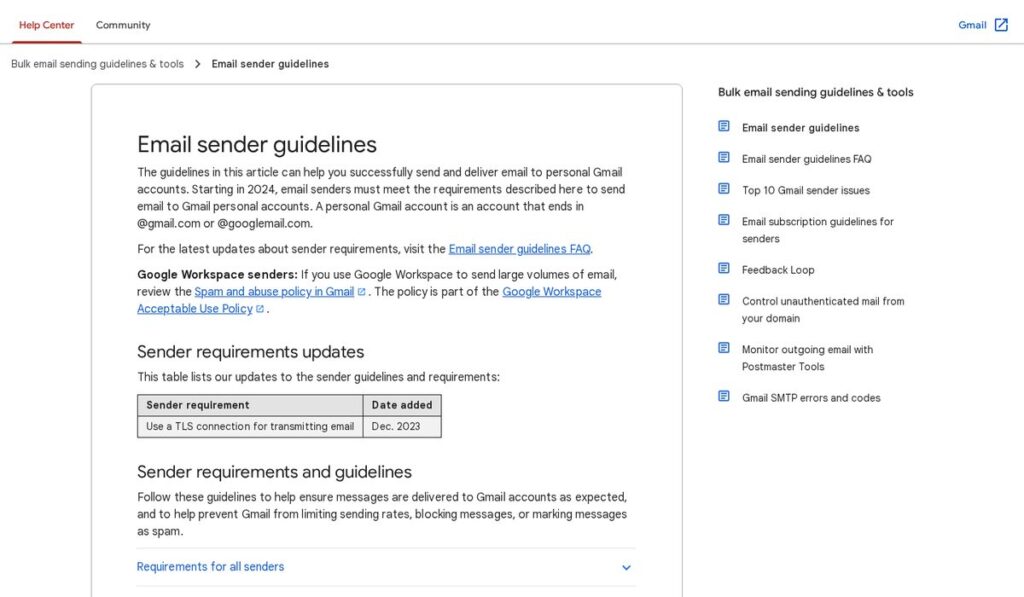
Yahoo’s sender best practices say the same thing in their own words: all senders need SPF or DKIM at a minimum, and bulk senders need SPF, DKIM and a valid DMARC policy of at least p=none.
- SPF lists the servers allowed to send mail for your domain.
- DKIM adds a signature that proves the message really came from your domain and was not changed.
- DMARC tells receiving servers what to do with mail that fails SPF or DKIM, and can send you reports.
Your email provider (Google Workspace, Microsoft 365 or your sending platform) gives you the exact DNS records to add. Add them at your domain registrar, wait for them to take effect, then confirm they pass before you send anything.
How to Warm Up an Email Domain, Step by Step
Here is a practical process for how to warm up a new email domain without burning it.
- Use a separate domain for outreach. Many businesses send cold or high-volume outreach from a secondary domain (for example, a variation of your main brand domain) so their main domain’s reputation is protected.
- Set up the mailbox like a real person uses it. Add a name, profile photo or logo, and an email signature with your business address.
- Authenticate the domain. Publish SPF, DKIM and DMARC records and check they pass.
- Point the domain at a real website. Even a simple page that explains who you are helps recipients and filters trust the domain.
- Start with people who expect to hear from you. Send a handful of personal emails a day to colleagues, partners and existing customers, and ask some of them to reply.
- Increase volume gradually. Add a small number of emails each week rather than jumping in big steps. Keep the daily number steady instead of spiky.
- Watch your signals. Track bounces, replies and spam complaints. If complaints or bounces rise, pause and slow down.
- Only then start campaigns. Begin with your best-fit, most relevant contacts and keep volume moderate.
Keep your spam rate low
Google asks senders to keep the spam rate reported in Postmaster Tools below 0.10% and to avoid ever reaching 0.30% or higher. Yahoo asks senders to keep their spam rate below 0.3%. Those thresholds come straight from the Google and Yahoo guidance, and they are the clearest targets you have during warmup.
Make unsubscribing easy
Google requires one-click unsubscribe for marketing and subscribed messages from senders above 5,000 messages a day, and Yahoo asks for a working list-unsubscribe header plus a visible unsubscribe link. Even at small volumes, an easy way to opt out reduces spam complaints, which protects the domain you are warming.
How Long Does It Take to Warm Up an Email Domain?
There is no official number. Google and Yahoo do not publish a fixed warmup period, because reputation depends on your behavior, not on a calendar. In practice, most senders plan for a gradual ramp over several weeks before sending their normal campaign volume.
How long to warm up an email domain depends on a few things:
- Your target volume. A domain that will send 30 emails a day needs less time than one that will send hundreds.
- Engagement. Replies and opens from real people build trust faster than one-way sends.
- List quality. Bounces from old or guessed addresses slow everything down.
- Consistency. Sending every weekday at a steady level beats long gaps followed by bursts.
Warmup is not a one-time task either. If you stop sending for a while or your complaints spike, treat the domain as if it needs warming again.
Manual Warmup vs an Email Warmup Tool
You can warm up a domain by hand: send real emails, get real replies, and grow slowly. It is free, but it takes daily effort, and it is hard to do across several mailboxes at once.
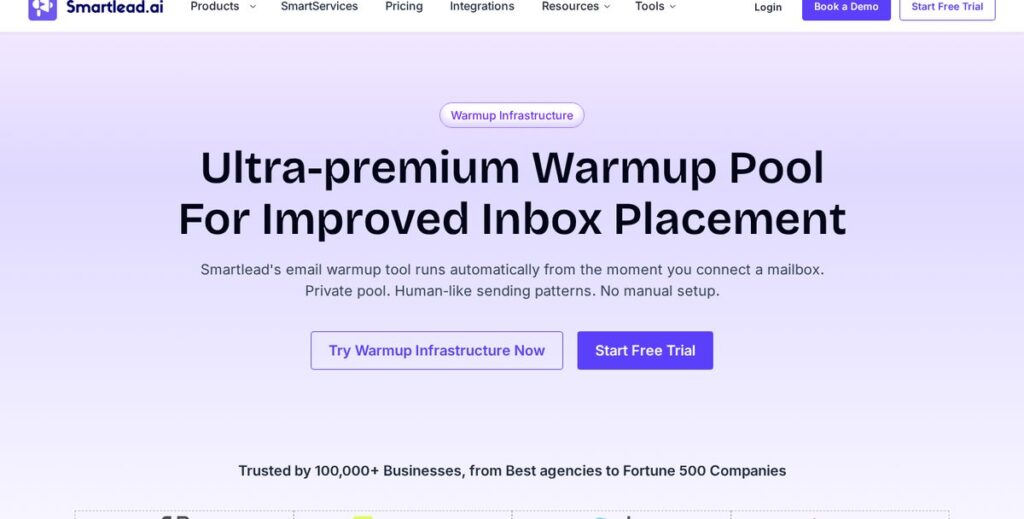
An email warmup tool automates part of that work. Smartlead, for example, says its warmup runs automatically from the moment you connect a mailbox, using a private pool of vetted senders. Its warmup emails are sent, opened and replied to automatically, warmup volume starts small and scales up with daily caps, and warmup pauses on its own if bounces or spam flags spike.
| Approach | Best for | Trade-offs |
|---|---|---|
| Manual warmup | One or two mailboxes, low volume | Free, but slow and needs daily attention |
| Email warmup tool | Agencies and teams with several mailboxes | Saves time; paid; still needs good lists and copy |
| No warmup | Not recommended | High risk of spam folder placement or blocks |
A tool does not replace the basics. Authentication, a clean list, relevant messages and an easy unsubscribe still decide whether your mail lands in the inbox.
Affiliate link — we may earn a commission.
Smartlead’s paid plans start at $39/month on monthly billing as of November 2026 (Base plan, 6,000 email sends per month), with lower monthly rates on yearly billing. Prices change; check the official Smartlead pricing page.
Common Email Warmup Mistakes to Avoid
- Sending to a purchased or scraped list during warmup.
- Jumping from a few emails a day to hundreds overnight.
- Skipping DMARC because “we’re not a bulk sender yet”.
- Using link-heavy or image-only emails with no plain text.
- Ignoring bounces instead of removing bad addresses right away.
- Warming up your main business domain with cold outreach.
If your warmup and outreach are part of a bigger lead generation system, the rest of the pipeline matters too. Our guide to the best digital marketing tools for small businesses covers the CRM, automation and email tools that sit around it, and our HighLevel review looks at one all-in-one option for follow-up.
Related guides
- How to Get Clients for a Digital Marketing Agency
- Best Cold Email Software in 2026: How to Choose
- Cold Email Templates That Get Replies: 10 Examples for Small Businesses
- Smartlead Pricing 2026: Plans, Limits and What You Actually Get
Email Domain Warmup FAQ
How do I warm up my email domain?
Authenticate the domain with SPF, DKIM and DMARC, then send a small number of real emails each day to people who are likely to open and reply. Raise the volume slowly over several weeks, watch bounces and spam complaints, and only start larger campaigns once results stay healthy.
How long does it take to warm up an email domain?
Plan on several weeks of gradual sending. There is no official number from Google or Yahoo; the right pace depends on your target volume, list quality and how people engage with your mail.
Do I need a separate domain for cold email?
It is not required, but many businesses use a separate domain for outreach so any reputation problems do not affect the main domain used for customer and team email.
Is an email warmup tool worth it?
It can be if you manage several mailboxes or do not have time for daily manual sending. It is not a fix for poor lists or irrelevant messages, so treat it as a helper, not a shortcut.
Need Help With Deliverability and Lead Gen?
Warming up a domain is one piece of a working outreach system. If you want a second pair of eyes on your email setup, follow-up automation or overall marketing, get a free marketing audit from ScaleMyClick. We can also help with AI automation for faster lead follow-up.

