

This SmartScout review explains what the Amazon research platform does, who it suits, what it costs and where it falls short. In short: SmartScout maps the Amazon marketplace by brand, seller, subcategory and product, so you can size a niche, see who already dominates it and work out how competitors get their traffic, all from one place. Paid plans start at $29 per month on yearly billing or $49 month to month, as of November 2026.
It is built for people who sell on Amazon or work with Amazon sellers: private label brands, wholesale and online arbitrage sellers, agencies and buyers looking at Amazon businesses. If you have never sold on Amazon, read the sections on who it is for and the alternatives before you pay for a plan.
What Is SmartScout?
SmartScout is an Amazon market research and competitive intelligence platform. Its homepage calls it “the complete model of the Amazon marketplace” and describes “every brand, every seller, and 40,000+ subcategories in a single platform.”
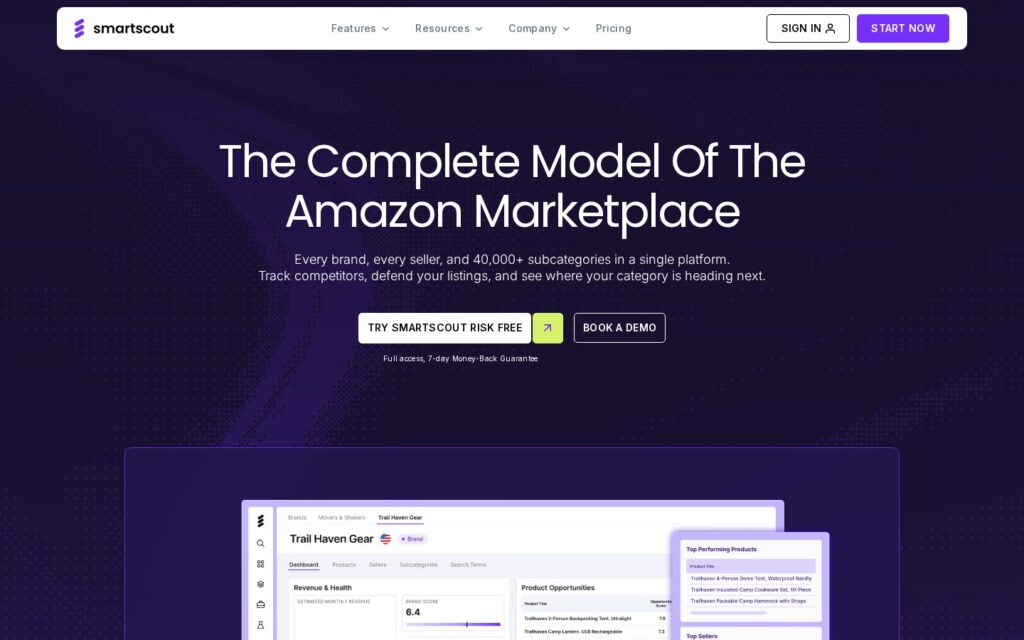
Most Amazon tools start with a single product or a single keyword. SmartScout starts one level higher. You can search a brand and see every seller carrying it, search a seller and see every brand they carry, or filter subcategories by growth and competition and then drill into the products inside them. That connected view is the main reason people pick it over a product-only tool.
SmartScout Features
The SmartScout Features Hub lists 30+ connected tools in five groups: market data, keyword tools, selling tools, market analysis and data integration. These are the ones most sellers use first.
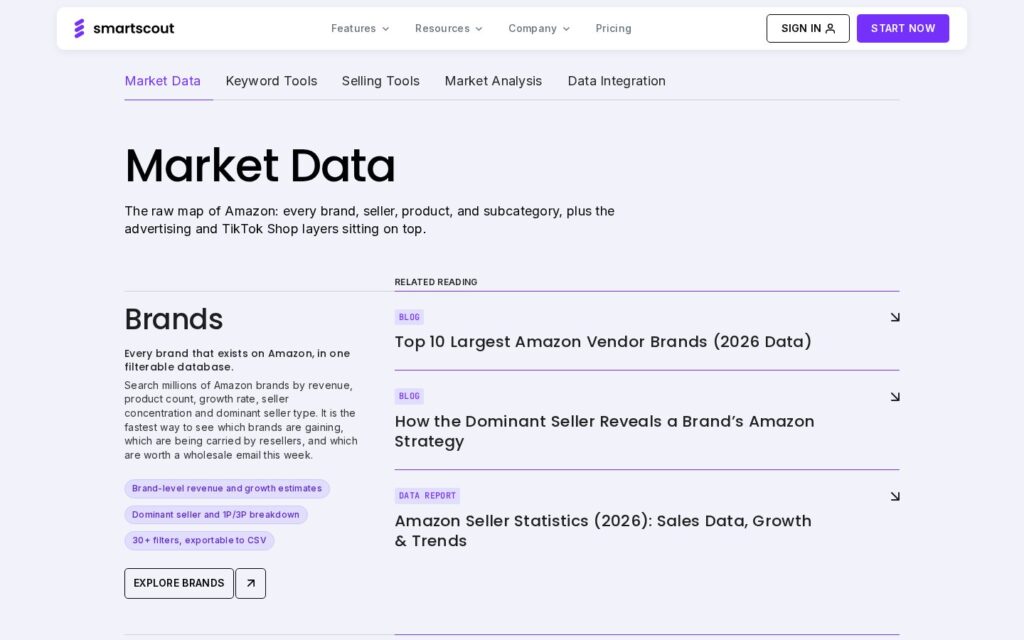
Market research: Brands, Sellers, Subcategories and Products
- Brands: a filterable database of brands on Amazon with brand-level revenue and growth estimates, the dominant seller, a 1P/3P breakdown and 30+ filters you can export to CSV.
- Sellers: estimated monthly revenue for any third-party storefront, the brands and ASINs it carries, catalog size and how its footprint has changed over time.
- Subcategories: a browsable tree of Amazon subcategories (including ones that do not appear in Amazon’s public browse tree), with revenue, competition, average price and growth for each.
- Products: ASIN-level analytics such as pricing history, ranking movements and Buy Box ownership.
- Seller Map: sellers by location, useful for finding sellers or partners in a specific region.
- Custom Segments, Sales Estimator, Pricing Intelligence and Search Trends for building your own market and checking demand.
Keyword and listing research
- Rank Maker: an Amazon keyword tracker and reverse ASIN tool. Enter an ASIN to see the search terms it ranks for organically and through ads, with data points such as rank position, search volume, click-through share and PPC bid estimates.
- Search Terms Explorer: find related search terms and size the demand for a niche.
- Keyword Ranking Map and Search Query Performance analysis.
- Amazon AI Scorecard and AI Listing Architect for scoring and drafting listings.
Competitive analysis
- Traffic Graph: a visual map of “frequently bought together” relationships around a keyword or ASIN, showing where competing products get their traffic and which product pages could be worth targeting with ads.
- Ad Spy: a look at a brand’s Amazon advertising, such as the search terms it advertises on. The pricing page lists it on Enterprise and as an add-on.
- Share of Voice, Scope (historical data) and Brand Reports.
- AI Visibility Monitor: tracks which websites AI assistants cite when they recommend products in your category.
Seller tools and data access
- A Chrome extension that shows SmartScout data on Amazon pages.
- UPC Scanner (price list scanning) and Buy Box Map, which wholesale and arbitrage sellers lean on.
- Rating Booster to automate review requests, plus an FBA Calculator.
- API, MCP Server and Data Lake for teams that want SmartScout data inside their own tools or AI assistants. Some of these are add-ons.
Not every tool is on every plan. Brand data starts on Essentials, and seller and subcategory data start on Business. Our SmartScout pricing guide breaks down what each plan unlocks.
Affiliate link — we may earn a commission.
Who Is SmartScout For?
SmartScout’s own site groups its users into brands and enterprises, private label sellers, wholesale and arbitrage sellers, agencies and business buyers. In practice it fits best when you need to understand a whole market, not just one product.
- Wholesale and online arbitrage sellers who need to find brands worth contacting, see how many sellers already carry them and check whether Amazon itself sells the products.
- Private label sellers looking for subcategories with healthy revenue and room for a new brand.
- Established brands that want to track competitors, share of voice and keyword rankings over time.
- Agencies that pitch or manage Amazon clients and need category data and competitor ad insights for proposals.
- Buyers and investors sizing up an Amazon business before an offer.
It is less of a fit if you sell only on your own website, if you are still deciding whether to sell on Amazon at all, or if you only need a basic keyword list. In those cases a general SEO tool or a free trial of a simpler product finder may be enough.
SmartScout Pricing at a Glance
As of November 2026, the SmartScout pricing page lists four plans:
| Plan | Monthly billing | Yearly billing | Best for |
|---|---|---|---|
| Basic | $49/mo | $29/mo | Product-level research and keyword research |
| Essentials | $119/mo | $99/mo | Adds brand data and unlimited keyword research and tracking |
| Business | $299/mo | $239/mo | Adds seller and subcategory data (marked Most Popular) |
| Enterprise | Custom | Custom | Historical data, Ad Spy, Share of Voice, full MCP access |
Basic, Essentials and Business are sold with full access and a 7-day money-back guarantee. Enterprise is quoted after a demo. Prices change, so check the pricing page before you buy.
SmartScout Pros and Cons
Pros
- Brand and seller level data. Being able to jump from a brand to its sellers, or from a seller to its brands, is the clearest difference from product-first tools.
- Subcategory research. Browsing and filtering subcategories by revenue, competition and growth makes niche research faster than searching keyword by keyword.
- Traffic Graph. A visual way to see related products and possible ad targets that most tools do not offer.
- Broad toolset in one login. Keyword tracking, a Chrome extension, listing tools and an FBA calculator sit beside the market data.
- Money-back guarantee on the self-serve plans, so you can test it on your own category.
Cons
- The most useful data sits on higher plans. Brand data needs Essentials, and seller and subcategory data need Business.
- Estimates are estimates. Revenue and sales figures are modelled, so treat them as direction, not exact numbers, and cross-check important decisions.
- Some features are add-ons or Enterprise-only, including Ad Spy, seller exports, API and Data Lake.
- One user per self-serve plan. Extra users cost $49 each on Basic, Essentials and Business, according to the pricing page.
- Learning curve. With 30+ tools, new users should follow a clear workflow (see our step-by-step guide) instead of clicking through everything.
SmartScout Alternatives
SmartScout is not the only Amazon research tool. Two well-known alternatives are worth comparing on a free trial or demo before you commit:
- Helium 10: a large suite of seller tools for Amazon, Walmart and TikTok Shop, covering product research (such as Black Box), keyword research, listing optimization and account management. It suits sellers who want one toolkit for running the day-to-day business.
- Jungle Scout: known for its Product Database, Chrome extension and Supplier Database for finding manufacturers. It is popular with private label sellers who are choosing and sourcing their first products.
A simple way to choose: if your questions start with which brands and sellers own this market?, SmartScout is built around that. If your questions start with which single product should I launch and who can make it?, a product-first tool may feel more direct. Many sellers try two tools on the same niche and keep the one whose data and workflow they trust more.
Is SmartScout Worth It?
SmartScout is worth testing if you sell on Amazon at a level where market structure matters: wholesale sourcing, entering a competitive subcategory, defending a brand, or advising clients. Its brand, seller and subcategory views answer questions that product-only tools struggle with.
If you are just starting out, begin with the lower plan, follow a focused workflow for a week and use the money-back window to decide. If the brand and seller data are what you need, budget for Essentials or Business rather than expecting them on Basic.
Affiliate link — we may earn a commission.
Related guides
- How to Use SmartScout: Step-by-Step Amazon Research Guide
- Semrush vs Ahrefs: Which SEO Tool Should a Small Business Choose?
- The Best Digital Marketing Tools for Small Businesses
SmartScout Review FAQ
What is SmartScout used for?
SmartScout is used for Amazon market research: finding brands, sellers, products and subcategories, estimating revenue, researching keywords, tracking rankings and analysing competitors’ traffic and ads.
Does SmartScout have a free trial?
As of November 2026, the English pricing page offers full access with a 7-day money-back guarantee on Basic, Essentials and Business, rather than a free trial. Check the pricing page for the current offer.
How much does SmartScout cost?
As of November 2026, Basic is $49/mo, Essentials $119/mo and Business $299/mo on monthly billing, or $29, $99 and $239 per month on yearly billing. Enterprise is custom.
Is SmartScout good for wholesale and arbitrage?
Yes, it is one of its main use cases. The Brands database, Seller data, UPC Scanner and Buy Box Map are built for finding brands to source and checking competition on a listing.
Is SmartScout better than Helium 10 or Jungle Scout?
They are built around different starting points. SmartScout focuses on brand, seller and subcategory level data, while Helium 10 and Jungle Scout are broader seller toolkits with a product-first approach. The best choice depends on the questions you need answered.
Is SmartScout data accurate?
Revenue and sales figures are estimates based on SmartScout’s own models. They are useful for comparing markets and spotting trends, but verify key numbers before making large inventory or investment decisions.

