

A client onboarding checklist is a step-by-step list of everything an agency needs to do between a signed contract and the first piece of real work: collecting access, confirming goals, gathering brand assets, setting up tracking and holding a kickoff call. A good checklist makes every new client feel taken care of and stops your team from chasing logins for weeks.
Below is a free, copy-and-paste client onboarding checklist template for marketing agencies, plus the process behind it and tips for automating the repetitive parts.
Why an Agency Client Onboarding Process Matters
The first few weeks set the tone for the whole relationship. A messy start — missing access, unclear goals, slow replies — makes clients nervous before you’ve had a chance to deliver. A repeatable onboarding process helps you:
- Start work faster, because you collect everything up front.
- Set clear expectations about scope, timelines and communication.
- Reduce mistakes, since every client goes through the same steps.
- Hand work to team members or contractors without long explanations.
- Spot problems early, before they turn into churn.
Client Onboarding Checklist Template (Copy and Paste)
Use this template as a starting point and adjust it to your services.
Phase 1: Before kickoff (days 1–3)
- ☐ Signed agreement with scope, deliverables, term and payment terms.
- ☐ First invoice sent and paid (or payment method on file).
- ☐ Welcome email sent with what happens next and who their contact is.
- ☐ Onboarding questionnaire sent (business, goals, audience, competitors, offers).
- ☐ Client added to your CRM, project tool and communication channel.
- ☐ Internal handoff from sales to delivery: notes, promises made, red flags.
Phase 2: Access and assets (days 2–7)
- ☐ Website access (CMS login as a user, not the owner’s password).
- ☐ Google Analytics access added at the right level.
- ☐ Google Ads access granted (if running ads).
- ☐ Google Search Console and Google Business Profile access.
- ☐ Meta Business access for Facebook and Instagram (as a partner, not personal logins).
- ☐ Domain/DNS contact for tracking and email authentication changes.
- ☐ Brand assets: logo files, colors, fonts, photos, brand guidelines.
- ☐ Existing reports, past campaigns and anything that didn’t work before.
Kickoff call — Phase 3 (week 1)
- ☐ Confirm goals and the one or two metrics that matter most.
- ☐ Agree on reporting format and frequency.
- ☐ Agree on approval process and turnaround times.
- ☐ Confirm communication channel and response-time expectations.
- ☐ Review the first 30-day plan.
- ☐ Book the next check-in.
Phase 4: Setup and first 30 days
- ☐ Tracking audit: conversions, calls, forms and analytics.
- ☐ Baseline report so you can show change over time.
- ☐ First deliverables scheduled and shared.
- ☐ 30-day review call booked.
Onboarding Questionnaire: Questions to Ask
Your questionnaire should give your team everything it needs without a dozen follow-up emails. Useful questions include:
- What are your top three business goals for the next six months?
- Who is your ideal customer, and what do they usually buy first?
- Which products or services do you most want to promote?
- Who are your main competitors, and what do they do well?
- What marketing have you tried before, and what happened?
- How do leads reach you today (calls, forms, walk-ins, referrals)?
- Who on your team approves content and ads?
- Are there any words, claims or topics we should avoid?
Sample Welcome Email
Here’s a short example you can adapt (swap in your own names and links):
Subject: Welcome aboard — here’s what happens next
Hi Jordan, thanks for choosing us. Over the next week we’ll get everything set up so we can start work quickly. Here’s what we need from you: (1) fill in this short onboarding form, (2) give us access using the steps in this guide, and (3) pick a time for our kickoff call. Your main contact is Alex, and you can reply to this email with any questions. We’re looking forward to working together.
How to Request Access the Right Way
Ask clients to add you as a user instead of sharing passwords. It’s safer, it keeps the client in control, and access can be removed cleanly if you part ways.
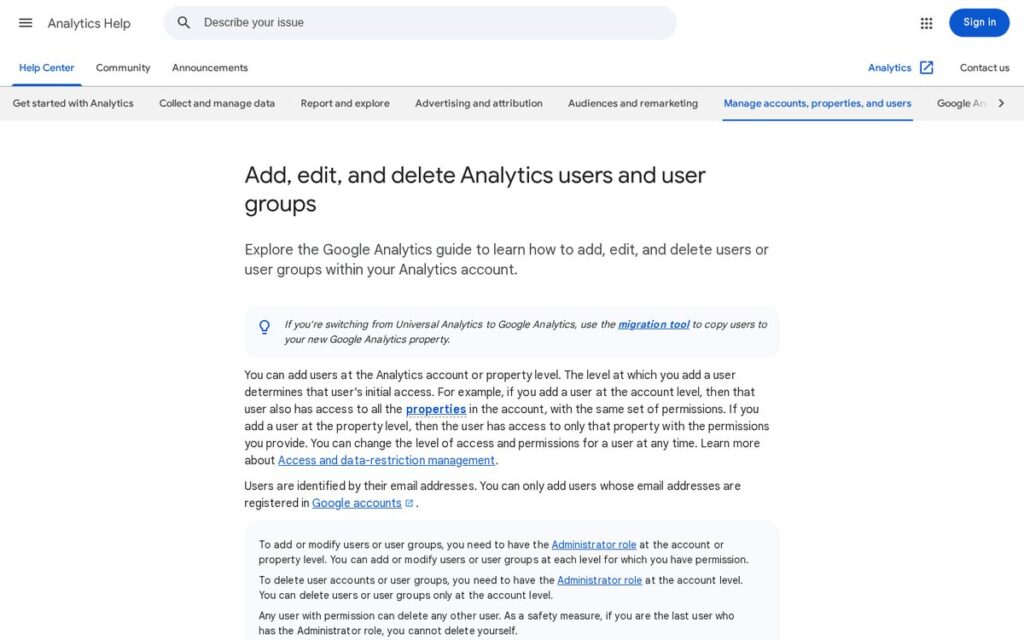
- Google Analytics: Google’s help article explains that users can be added at the account or property level, and the level determines what the user can see initially. Ask for property-level access unless you need more.
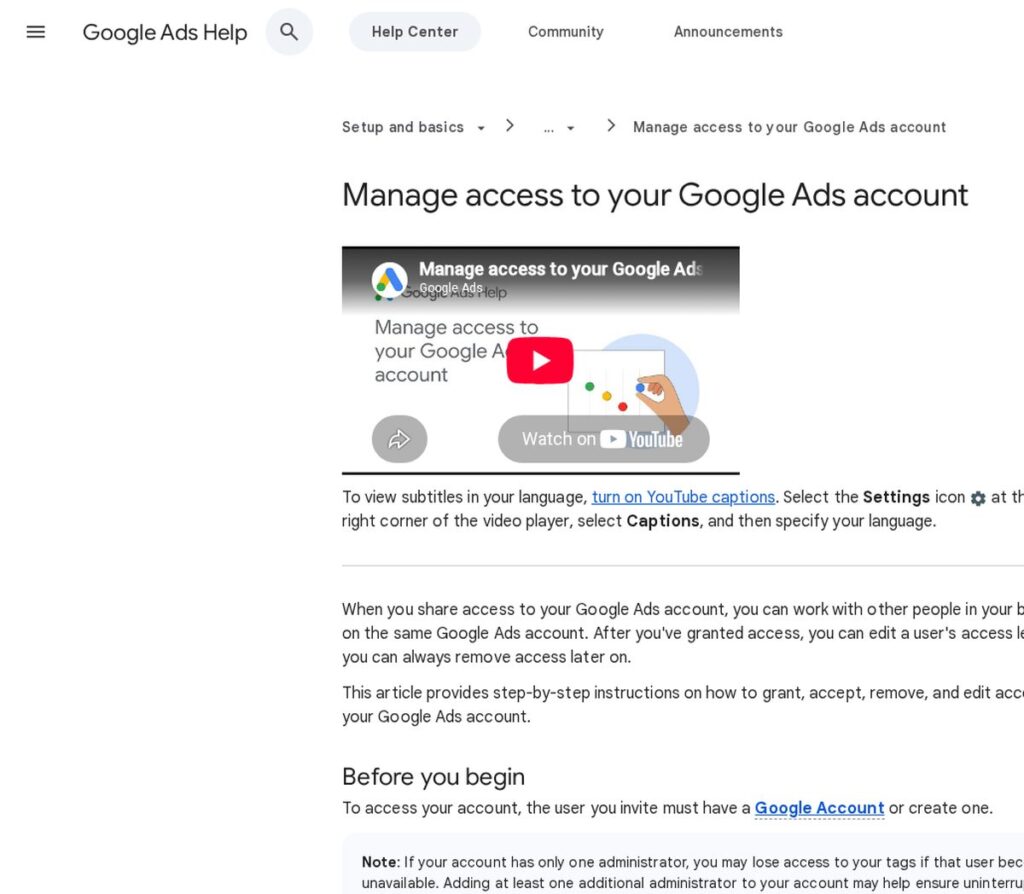
- Google Ads: Google’s guide to managing access to your Google Ads account notes that the person invited needs a Google Account, and recommends having more than one administrator so tag management isn’t interrupted if one admin becomes unavailable.
- Website: create a separate user for your agency with the role you need.
- Social accounts: request partner access through the platform’s business tools rather than personal logins.
Make a short “how to give us access” guide with links to each platform’s official instructions. It saves a lot of back-and-forth.
Manual vs Automated Client Onboarding
| Task | Manual approach | Automated approach |
|---|---|---|
| Welcome email | Written each time | Sent automatically when a deal is won |
| Questionnaire | Emailed as a document | Online form that saves answers to the CRM |
| Reminders for missing items | Someone remembers to follow up | Automatic reminders until the form is complete |
| Kickoff scheduling | Back-and-forth emails | Booking link in the welcome email |
| Task creation | Copied from an old project | Template tasks created for every new client |
Automating Client Onboarding With HighLevel
An all-in-one CRM can take a lot of the repetitive work out of onboarding. HighLevel (often searched as GoHighLevel) includes CRM and pipelines, forms and surveys, booking calendars, workflow automation and email and SMS, according to its pricing page.
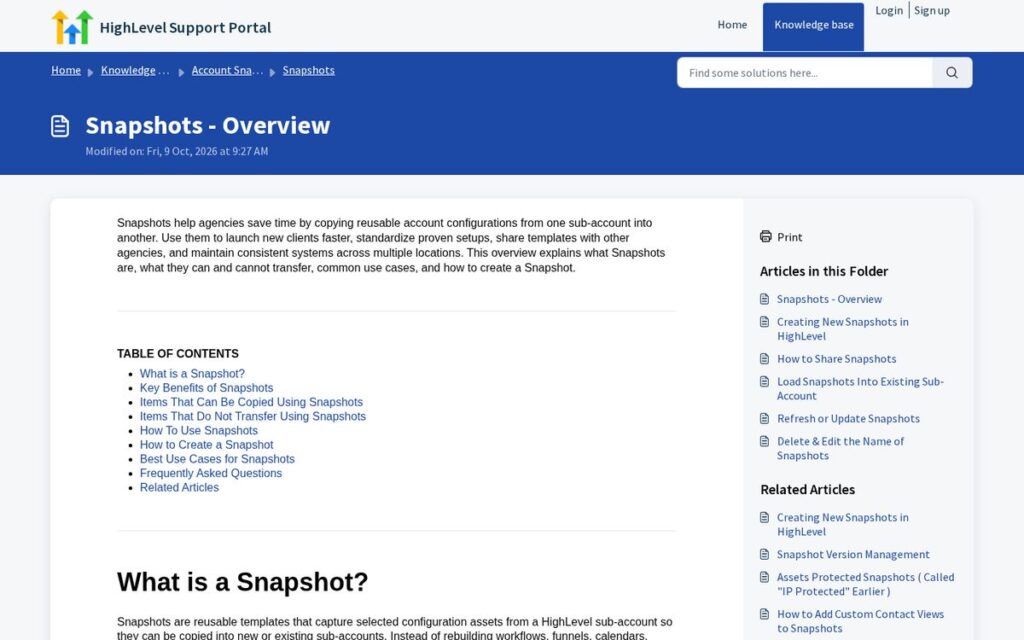
For agencies, HighLevel Snapshots are especially useful: they copy a reusable setup — workflows, funnels, calendars, forms, dashboards and more — from one sub-account into new or existing sub-accounts. Build your ideal onboarding flow once, then reuse it for each new client.
A simple automated onboarding flow could look like this:
- Deal marked as won in the pipeline.
- Welcome email and SMS sent with the onboarding form and a kickoff booking link.
- Reminder sent if the form isn’t completed within two days.
- Internal tasks created for the account manager.
- Kickoff reminder sent the day before the call.
As of November 2026, HighLevel’s pricing page lists a 14-day free trial and three plans: Starter at $97/month, Unlimited at $297/month and Founder at $497/month, with usage-based charges for SMS, calls, email and AI. Prices change; check the official pricing page.
Affiliate link — we may earn a commission.
Automation helps support follow-up; it doesn’t replace a real kickoff conversation. For more on what to automate, see how much time HighLevel automation can save you.
Client Onboarding Mistakes to Avoid
- Starting work before access and goals are confirmed.
- Asking for the same information more than once.
- Skipping the internal handoff from sales to delivery.
- No baseline report, so progress is hard to show later.
- Overpromising timelines in the first week.
Related guides
- How to Start a Digital Marketing Agency From Scratch
- HighLevel Workflow Examples: 10 Automations to Build First
- HighLevel Snapshots: What They Are and How to Use Them
Client Onboarding Checklist FAQ
What are the 5 C’s of onboarding?
The 5 C’s — compliance, clarification, culture, connection and confidence — come from employee onboarding, but they map well to clients: get the paperwork done, clarify expectations, explain how you work, build the relationship and give them confidence early.
What are the steps in client onboarding?
Contract and payment, welcome email, questionnaire, access and assets, kickoff call, setup and baseline, then a 30-day review. The template above follows these steps.
What should be included in an onboarding checklist?
Everything needed to start work: signed agreement, payment, contacts, goals, platform access, brand assets, tracking setup, communication rules and the first deliverables with dates.
How long should client onboarding take?
For most marketing services, aim to finish onboarding within the first one to two weeks. The fastest way to speed it up is to request access and assets on day one.
Need a Smoother Client Experience?
Whether you run an agency or a service business, good onboarding is part of good marketing. get a free marketing audit from ScaleMyClick, or see how our AI automation solutions can take repetitive steps off your team’s plate.

