

Facebook lead ads let people send you their contact details through a form that opens inside Facebook or Instagram, so they never have to load your website. For a small business, that means more inquiries from mobile users with less friction. The catch is that those leads cool off fast, so the follow-up matters as much as the ad. This guide covers how Facebook lead ads work, how to set them up, how to send leads to Google Sheets or your CRM, and how to follow up.
What are Facebook lead ads?
According to Meta’s About lead ads with instant form help article, when you create a campaign with the Leads objective in Meta Ads Manager, you can choose Instant forms as your conversion location. Lead ads with instant forms collect information from people who may be interested in your business “without requiring them to leave Facebook or Instagram.”
Meta also notes that contact information such as name, email address, and phone number may be prefilled if the person has already shared it with Meta. That makes forms faster to complete on a phone.
When Facebook lead ads make sense for a small business
Lead ads tend to fit offers where people are happy to share details in exchange for something specific:
- Free quotes, estimates, or inspections
- Consultations and discovery calls
- Event or webinar registrations
- Downloadable guides and checklists
- Waitlists and promotions
They are less suited to complex products where buyers need to read a lot before raising their hand. In that case, sending people to a landing page may produce fewer but better leads.
What goes into an instant form
Meta describes an instant form as having a form type, an optional intro, questions, a privacy policy, and an ending. Here is what each part does:
| Section | What it is | Tip for small businesses |
|---|---|---|
| Form type | More volume (default), Higher intent, or Rich creative | Try Higher intent if lead quality is low |
| Intro | Optional description of what people get | State the offer clearly in one line |
| Questions | At least one question; prefill and custom questions | Ask only what you need to follow up |
| Privacy policy | Required to run instant forms | Link your own privacy policy page |
| Ending | Message, promo code, or call-to-action button | Tell people exactly what happens next |
In Meta’s guide to creating a lead ad with instant form, the Higher intent form type adds a review step so people can confirm their information before submitting. Meta also lets you add custom questions (multiple choice, short answer, conditional, or appointment request) and conditional logic.
How to set up Facebook lead ads (step by step)
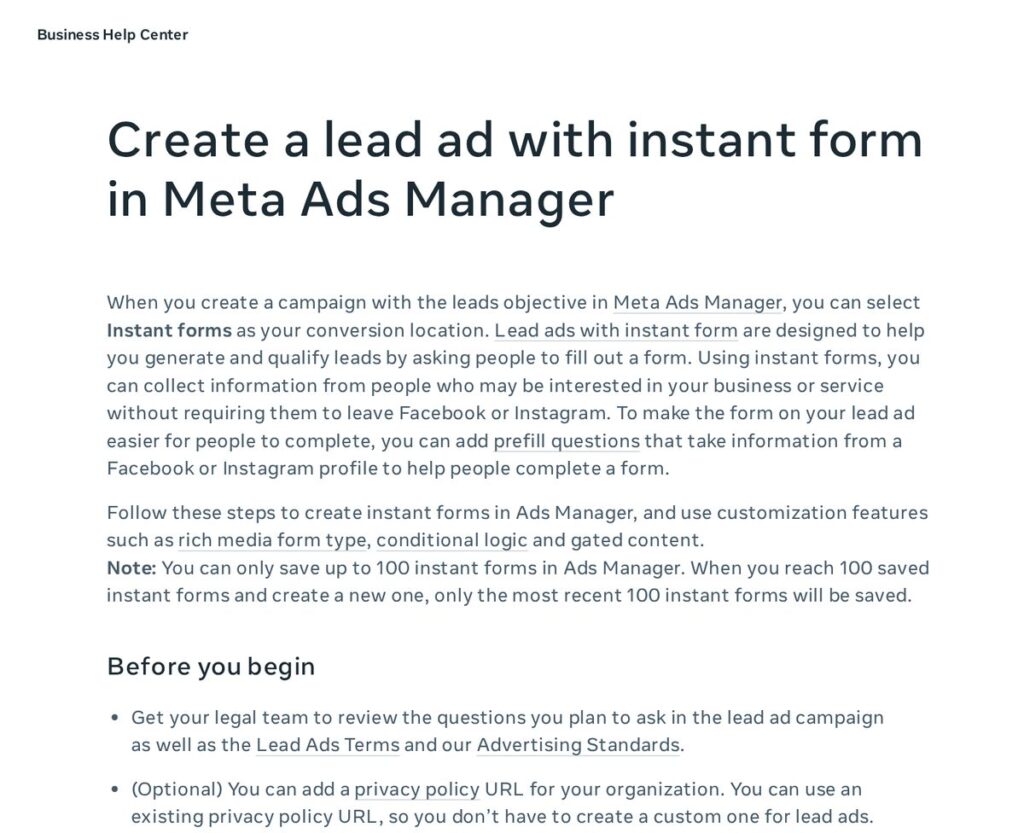
- Prepare your offer and privacy policy. Decide what people get and make sure your website has a privacy policy page. Meta also recommends having your legal team review your questions against its Lead Ads Terms and Advertising Standards.
- Create a campaign in Ads Manager with the Leads objective.
- Choose Instant forms as the conversion location at the ad set level.
- Set your audience, location, and budget. For local businesses, keep the location tight to your real service area.
- Create the form. Pick a form type, write a short intro, add prefill fields (name, phone, email), and add one or two qualifying questions, such as service needed or timeline.
- Write the ending screen. Confirm what happens next (“We’ll text you within the hour to book your free estimate”) and add a call or website button.
- Create the ad. Use a clear image or short video and a headline that names the offer.
- Connect the form to your CRM before you publish, so leads arrive instantly (see below).
- Send a test lead to make sure everything flows through.
How to get your leads out of Facebook
Download leads manually
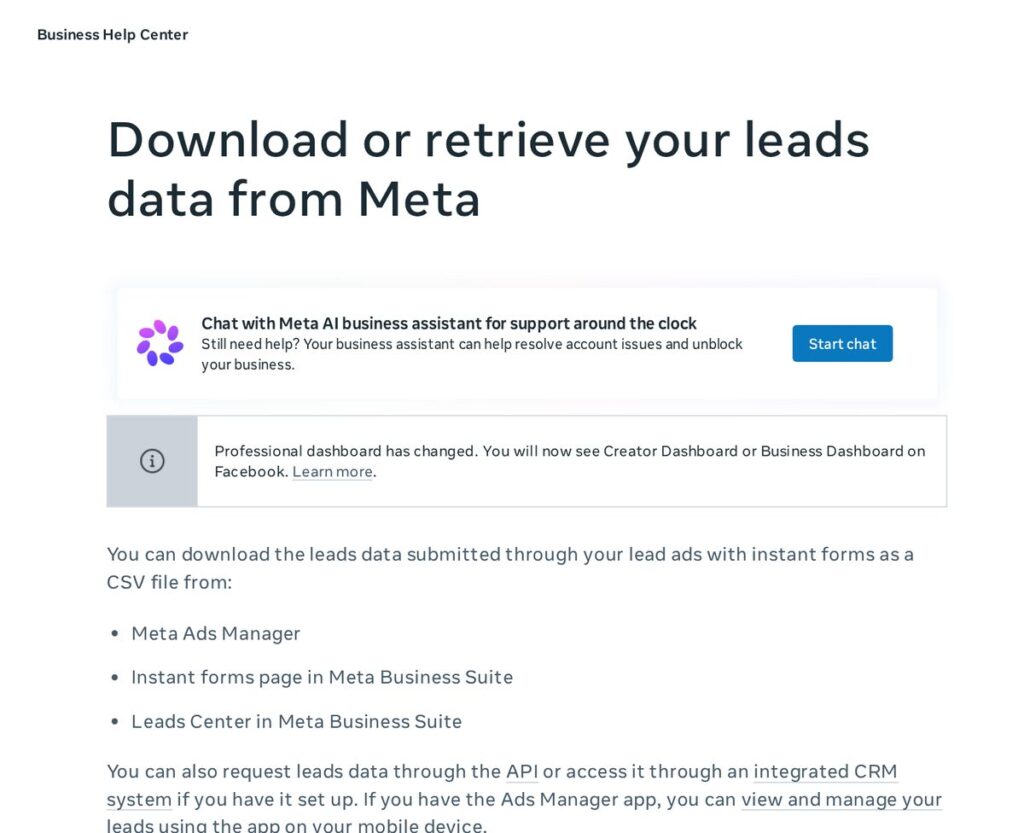
Meta’s help article on how to download or retrieve your leads data explains that you can download leads as a CSV file from Meta Ads Manager, the Instant forms page in Meta Business Suite, or Leads Center. This works for a handful of leads, but it is slow. Every hour a lead sits in a spreadsheet is an hour they may be talking to a competitor.
Facebook lead ads to Google Sheets
Many small businesses send leads to Google Sheets using an integration tool. It is a simple step up from manual downloads, but a spreadsheet does not reply to anyone. Pair it with a notification so someone calls or texts right away.
Integrate Facebook lead ads with a CRM
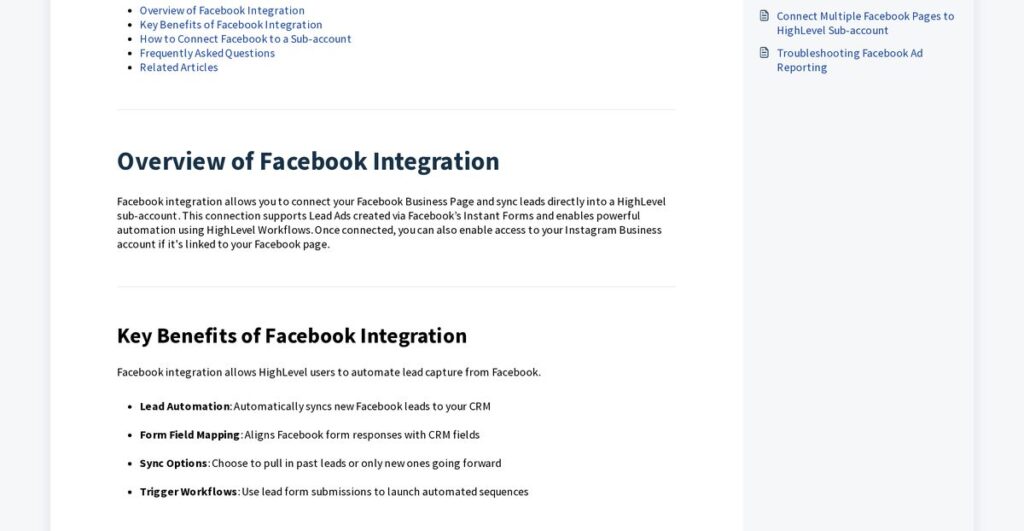
The best setup is to integrate Facebook lead ads directly with your CRM so each new lead is created as a contact and automatically gets a reply. HighLevel’s help article, Step-by-Step Guide to Facebook Integration in HighLevel, explains that once a Facebook page is connected, new leads can sync into the CRM and “automatically trigger workflows, populate pipelines, and initiate nurture campaigns without manual imports.” It also notes you need Admin access to both the Facebook Page and the Business Manager it is connected to, and that you map Facebook form fields to CRM fields.
Facebook lead ads testing tool
Before spending on ads, send a test lead through the whole system. Meta offers a Lead Ads Testing Tool for developers, documented on its lead ads testing and troubleshooting page, which says you can create one test lead per form (and must delete it to create another). Many CRMs also let you submit a test lead after connecting. Check that the test lead appears in your CRM with every field mapped correctly and that your automatic text and email go out.
How to follow up with Facebook leads
Lead ads make it easy to submit a form, which also means some people forget they did. Fast, friendly follow-up helps:
- Reply automatically within minutes by text and email, using the person’s name and the offer they chose.
- Call quickly during business hours. If they do not answer, leave a short voicemail and send a text.
- Keep following up for several days across text, email, and phone, then move them to a longer nurture sequence.
- Qualify gently with one or two questions instead of a long interrogation.
- Get consent right. Only text people who gave permission, and follow the rules for your industry and state. This is not legal advice.
A CRM with workflow automation does this for you. HighLevel (often searched as GoHighLevel) can sync Facebook leads, send instant texts and emails, assign leads to team members, and move them through a pipeline. As of November 2026, HighLevel’s pricing page lists a free 14-day trial and three plans: Starter at $97/month, Unlimited at $297/month, and Founder at $497/month. Usage-based charges (for example texts, calls, email, and some AI features) are billed on top, and prices change, so check the official pricing page before you sign up.
Affiliate link — we may earn a commission.
Read our HighLevel review or our GHL vs HubSpot comparison for more detail.
Tips to improve Facebook lead quality
- Use the Higher intent form type to add a review step.
- Add a qualifying question (budget, timeline, or service area).
- Make the offer specific so only interested people submit.
- Avoid promising things you cannot deliver in the ad or form.
- Review lead quality weekly and adjust your audience and creative.
Related guides
- Facebook Ads for Small Business: A Beginner’s Guide for 2026
- How to Generate Leads for a Small Business: 15 Proven Ways
- How to Follow Up With Leads (Timing, Channels and Templates)
Facebook lead ads FAQ
What are lead ads on Facebook?
They are ads that open an instant form inside Facebook or Instagram, letting people share their contact information without leaving the app. You choose Instant forms as the conversion location in a Leads campaign.
How do you get your leads from Facebook ads?
You can download them from Meta Business Suite as a CSV, send them to a spreadsheet with an integration, or connect your Facebook page directly to a CRM so leads arrive instantly.
How do I connect Facebook lead ads to Google Sheets?
Use an integration tool that watches for new Facebook leads and adds each one as a row in a Google Sheet. Add a notification so someone follows up right away.
Are Facebook lead ads worth it for small businesses?
They can be, especially for quotes, consultations, and events, as long as you follow up quickly. Slow follow-up is the most common reason lead ads disappoint.
Get help with Facebook lead ads
We can set up your lead ads, connect them to your CRM, and build the follow-up that turns form fills into booked jobs. Get a free marketing audit or see our social media marketing services.

