

Facebook ads for small business work best when you start with one clear goal, a tight local or interest-based audience, a simple offer and a small daily budget you can watch closely. You create everything in Meta Ads Manager, where you choose an objective, set an audience, placements and budget, and then build the ad itself. This beginner’s guide walks through each step for 2026.
Facebook ads can reach people who aren’t searching for you yet, which makes them a good match for local services, restaurants, retail, events and lead generation. They also run across Instagram and Meta’s other apps from the same account.
How Facebook Ads for Small Business Are Structured
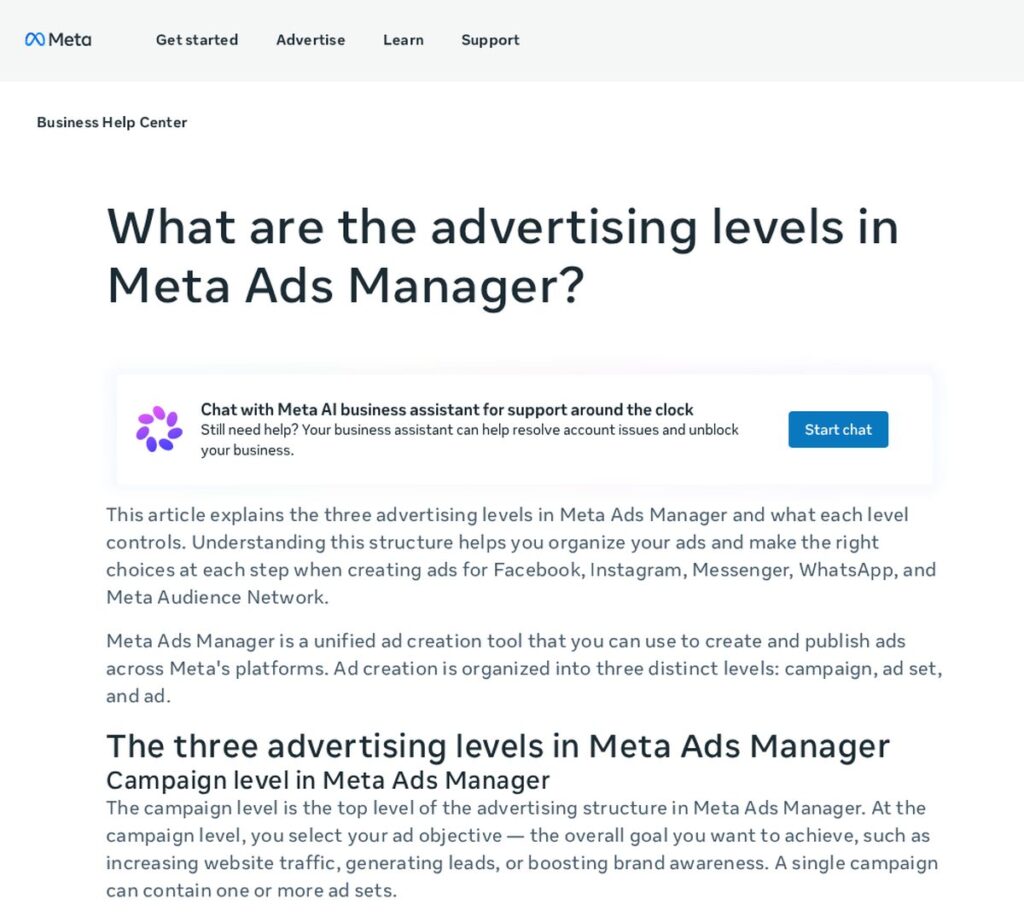
Meta explains that ad creation in Meta Ads Manager is organized into three levels: campaign, ad set and ad. Understanding them makes setup much less confusing.
| Level | What you choose here | Beginner tip |
|---|---|---|
| Campaign | Your ad objective (the overall goal) | Pick one objective per campaign |
| Ad set | Audience, placements, budget and schedule | Start with one ad set and a modest daily budget |
| Ad | The creative: images or video, text, headline, call to action | Test two or three versions of the ad |
According to Meta, all ads within the same ad set share the same audience, placement, budget and schedule.
Step 1: Choose the Right Objective
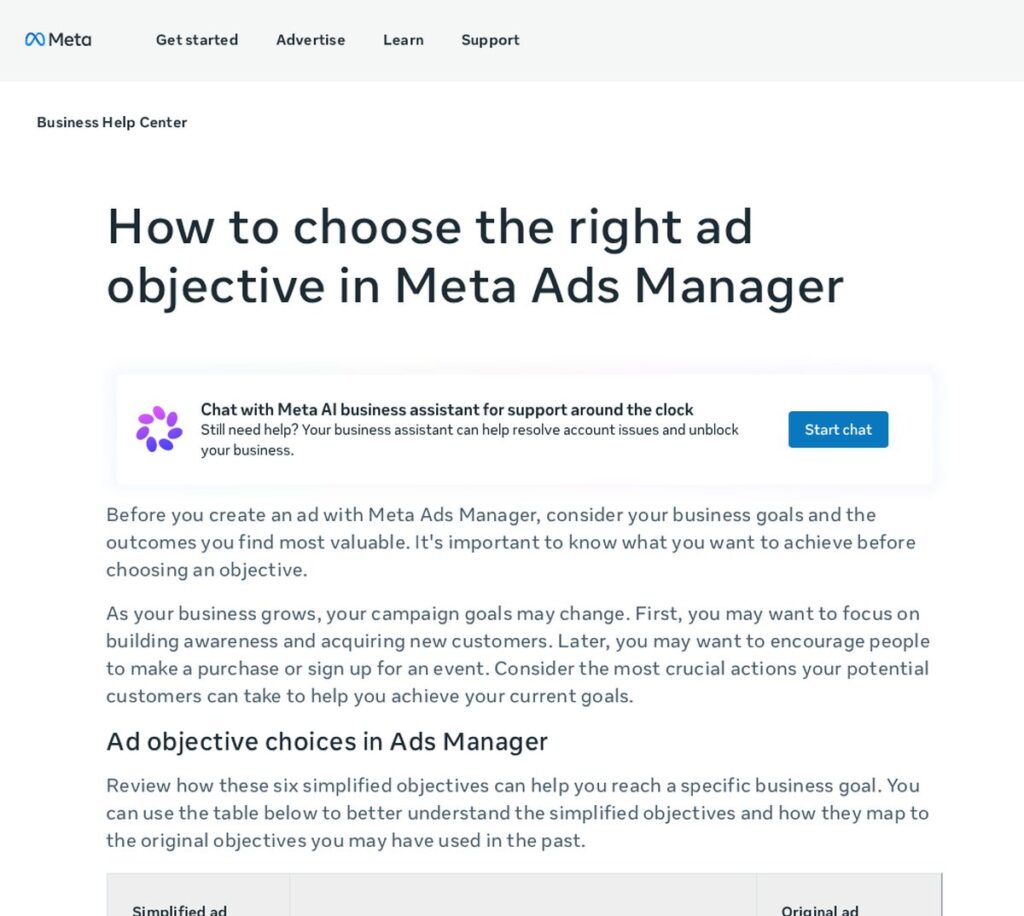
Meta Ads Manager uses six simplified objectives: Awareness, Traffic, Engagement, Leads, App promotion and Sales. For most small businesses, three matter most:
- Leads: collect leads via messages, phone calls or signups. Good for service businesses that need inquiries.
- Traffic: send people to your website, landing page or online shop.
- Sales: best when your website tracks purchases or bookings.
Awareness and Engagement can help new businesses get known locally or start Messenger conversations, but they’re harder to tie directly to revenue.
Step 2: Define Your Audience
At the ad set level you choose who sees your ads. For local businesses, a location radius around your service area is the starting point. Then add age ranges, interests or behaviors that fit your customers. Avoid making the audience so narrow that Meta can’t deliver, or so broad that you pay to reach people who can’t buy.
If you have an email list of past customers who agreed to hear from you, a custom audience can help you re-engage them. Retargeting people who visited your website is another strong option once you have traffic.
Special Ad Categories
Some industries have extra rules. Meta requires advertisers to declare a Special Ad Category for certain ads, including ads about social issues, elections or politics, and ads about employment, housing or financial products and services, which come with limited audience selection tools. Meta notes that since January 21, 2025, the financial products and services category is required for those campaigns from US advertisers or shown to US audiences. If your business falls into one of these areas, read Meta’s policy first. This is not legal advice.
Step 3: Set Your Facebook Ads Budget
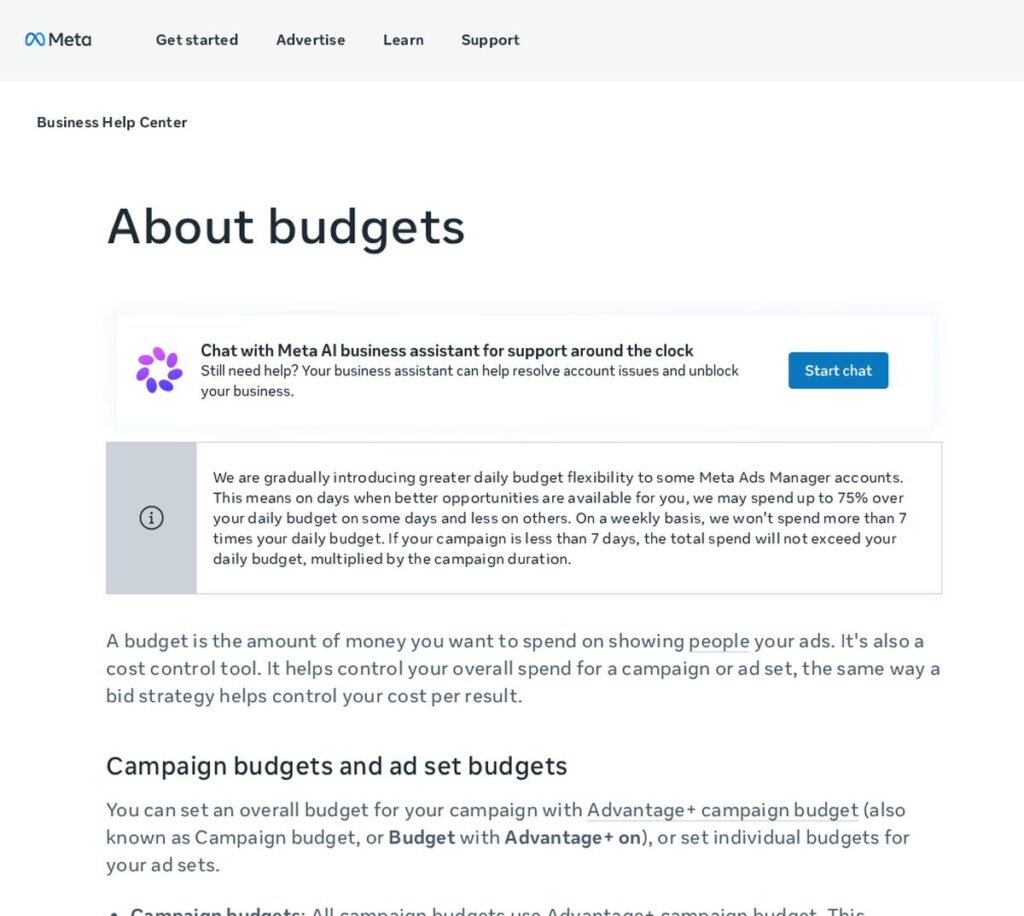
Meta describes a budget as the amount you want to spend and a cost control tool. You can set a daily or lifetime budget, at the campaign level (Advantage+ campaign budget) or for individual ad sets.
Two details beginners should know from Meta’s help center:
- For some accounts, Meta may spend up to 75% over your daily budget on days with better opportunities and less on others, but not more than 7 times your daily budget in a week.
- You can pause an ad at any time to stop new charges, though you may still receive a bill for charges accrued before it stopped.
There’s no magic number for a Facebook ads budget for a small business. A practical approach is to pick a daily amount you’re comfortable losing while you learn, run it long enough to collect real data, and only then scale what works.
Step 4: Create Ads That Stop the Scroll
Your creative does most of the work. Tips that apply to almost every small business:
- Show the product, service or result clearly in the first second of a video or at a glance in an image.
- Write the main benefit in the first line of text.
- Use one clear call to action: Call now, Book now, Get quote, Learn more.
- Use real photos of your work, location or team where you can (with permission).
- Make a matching landing page that continues the same message.
Every ad is reviewed against Meta’s Advertising Standards, which explain what content is allowed and what may lead to rejections or account restrictions. Avoid exaggerated claims and before-and-after promises that could break the rules.
Step 5: Track Results
Before you spend, set up tracking so you know which ads produce calls, form fills or sales. Connect your website with Meta’s tracking tools, and use a CRM or spreadsheet to record where each lead came from. Judge ads by cost per lead or cost per customer, not just likes and clicks.
Running Facebook Ads for Small Businesses: Beginner Mistakes
- Boosting posts without a goal: the Boost button is easy, but Ads Manager gives more control over objective and audience.
- Changing ads every day: give campaigns time to gather data before making big changes.
- Weak landing pages: a great ad can’t fix a slow or confusing page.
- No follow-up: leads go cold fast; reply quickly by phone, text or email.
- Too many ad sets with tiny budgets: spread thin, none of them gets enough data.
Facebook Ads vs Google Ads for Small Business
| Facebook (Meta) Ads | Google Ads | |
|---|---|---|
| How people find you | Ads appear while they scroll | Ads appear when they search |
| Best for | Awareness, local offers, visual products, retargeting | High-intent searches like “emergency plumber near me” |
| Targeting | Location, demographics, interests, custom audiences | Keywords, location, audiences |
| Budget control | Daily or lifetime budget | Average daily budget per campaign |
Many small businesses use both: Google Ads to capture people ready to buy, Facebook ads to build awareness and retarget visitors. For tools that help you manage both, see the best digital marketing tools for small businesses.
Related guides
- Marketing Budget for a Small Business: How to Set One
- Facebook Lead Ads for Small Business: Setup and Follow-Up Guide
- How to Generate Leads for a Small Business: 15 Proven Ways
Facebook Ads for Small Business FAQ
Are Facebook ads worth it for a small business?
They can be, especially for local services, restaurants, retail and events. They work best with a clear offer, a defined audience, a good landing page and fast follow-up on leads. Track cost per customer to know for sure.
How much do Facebook ads cost for a small business?
You set the budget, either daily or lifetime, and can pause at any time. Actual costs per click or lead depend on your audience, competition and ad quality, so test with a small budget first.
Is $1 a day enough for Facebook ads?
A very small budget can get your ad running, but it may take a long time to collect enough data to make decisions. Most beginners learn faster with a budget large enough to produce real results within a couple of weeks.
Should I boost posts or use Ads Manager?
Boosting is fine for quick visibility, but Ads Manager lets you choose objectives like Leads or Sales, control audiences and placements, and test multiple ads, which usually suits business goals better.
Want Facebook Ads That Bring Real Leads?
If you’d rather not learn by trial and error, get a free marketing audit from ScaleMyClick. We’ll review your current ads, audience and landing pages and show you what to fix first. Learn more about our social media marketing services.

