

Speed to lead is the time between a new lead reaching out (a form, a call, a chat, a lead ad) and your business making its first real response. The faster you reply, the more likely you are to reach the person while they are still interested and before a competitor does. This guide explains what speed to lead means, why it matters, how to calculate it, and how small businesses can respond in minutes without hiring more staff.
What does speed to lead mean?
Speed to lead, also called lead response time, measures how quickly your team contacts a new inquiry. If someone fills out your quote form at 2:00 PM and gets a call at 2:04 PM, your speed to lead is four minutes. If nobody replies until the next morning, it is closer to 18 hours.
It is one of the simplest metrics in sales, and one of the most ignored. Many businesses spend heavily on ads and SEO to get the phone ringing, then lose the lead in the first hour because nobody followed up.
Why fast follow-up wins more customers
When someone contacts you, they are usually at peak interest. They have a problem now, they are on their phone now, and they have probably contacted two or three other businesses too. Three things happen as time passes:
- Interest fades. People get distracted, solve the problem another way, or decide it can wait.
- Competitors respond. The first business to have a real conversation often sets the price, the timeline, and the expectations.
- Contact gets harder. Someone who just filled out a form is more likely to pick up an unknown number than someone who filled it out yesterday.
The research behind the term goes back years. In “The Short Life of Online Sales Leads”, published in Harvard Business Review in 2011, the authors studied how companies respond to online inquiries and concluded that “most companies are not responding nearly fast enough.”
Speed to lead statistics: a note of caution
If you search for speed to lead statistics, you will find many dramatic percentages repeated across blogs, often without a link to the original study, the year, or the sample. Some are based on old research, and some cannot be traced at all.
A more reliable approach is to measure your own numbers. Track your average response time for one month, then improve it and compare how many leads you reach, book, and close. Your own data tells you far more about your market than a statistic from a different industry.
How to calculate speed to lead
The formula is simple:
Speed to lead = time of first meaningful response − time the lead came in
Then average it across all leads for a period:
- Export every lead from the last 30 days with its created time.
- Note the time of the first call, text, or personal email to each lead (automatic “we got your message” emails do not count as a meaningful response unless they start a real conversation).
- Subtract to get each lead’s response time.
- Average the results, and also look at the median and the slowest 10%.
Break it down by source (Google, Facebook, website form, phone), by time of day, and by team member. Leads that arrive in the evening or on weekends are usually where the biggest delays hide.
What is a good lead response time?
There is no universal number, but for most service businesses the goal is to respond within minutes during business hours, not hours. Many sales teams follow a “five-minute rule” as an internal target. Whatever you choose, make it specific, measure it, and set an after-hours plan so leads that arrive at night still get an immediate reply and a callback first thing in the morning.
| Response time | What it usually means |
|---|---|
| Under 5 minutes | Leads are still on their phone and expecting you |
| 5–60 minutes | Still warm, but competitors may get there first |
| Same day | Acceptable for some B2B, risky for local services |
| Next day or later | Many leads will have moved on |
How to improve your speed to lead
1. Send every lead to one place
Leads arrive from forms, lead ads, calls, chat, and social messages. If they land in five inboxes, nobody sees them quickly. Route them all into one CRM.
2. Reply automatically within seconds
Set up an instant text and email that confirms you received the request, uses the person’s name, and tells them what happens next (“We’ll call you in the next few minutes from this number”).
3. Alert the right person immediately
Send a push notification, text, or call to the salesperson on duty the moment a lead arrives, with a one-tap way to call back.
4. Use missed-call text back
If someone calls and you cannot answer, an automatic text (“Sorry we missed you — how can we help?”) keeps the conversation going.
5. Keep following up
One attempt is not enough. Plan several touches over the first few days by phone, text, and email. Our guide to how much time HighLevel automation can save shows the kind of tasks that can run on autopilot.
6. Cover nights and weekends
Use automatic replies, an AI-powered chat or voice assistant that helps answer basic questions and book appointments, or an answering service. Our tutorial on how to create a voice AI agent in HighLevel walks through one option.
7. Review response time weekly
What gets measured gets improved. Share the average response time with your team every week.
Tools that help you respond faster
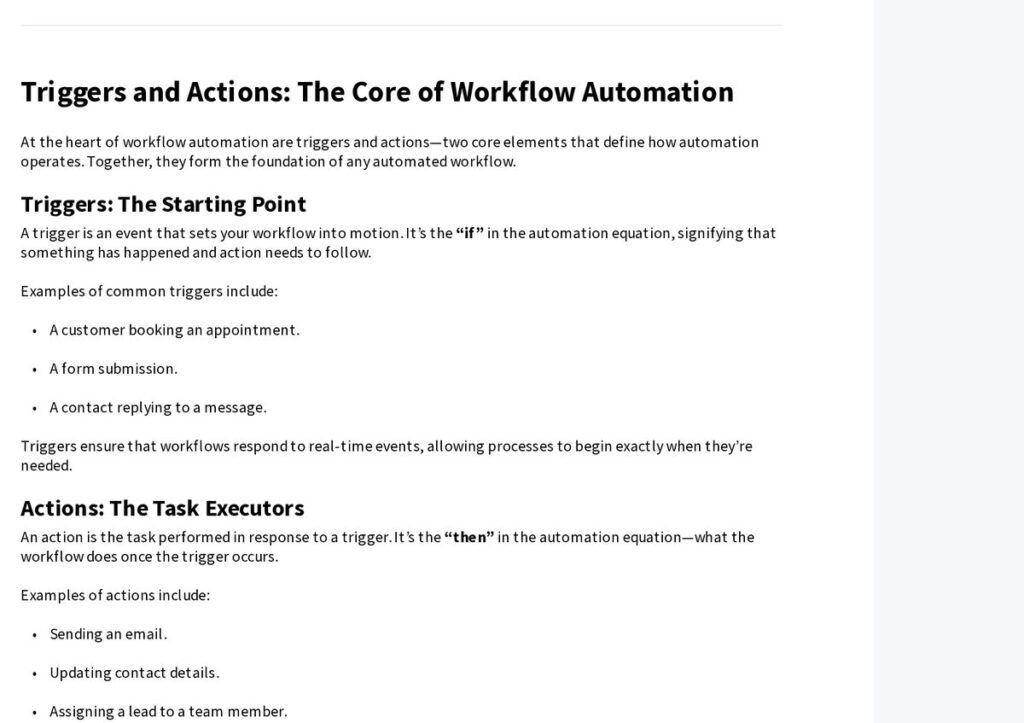
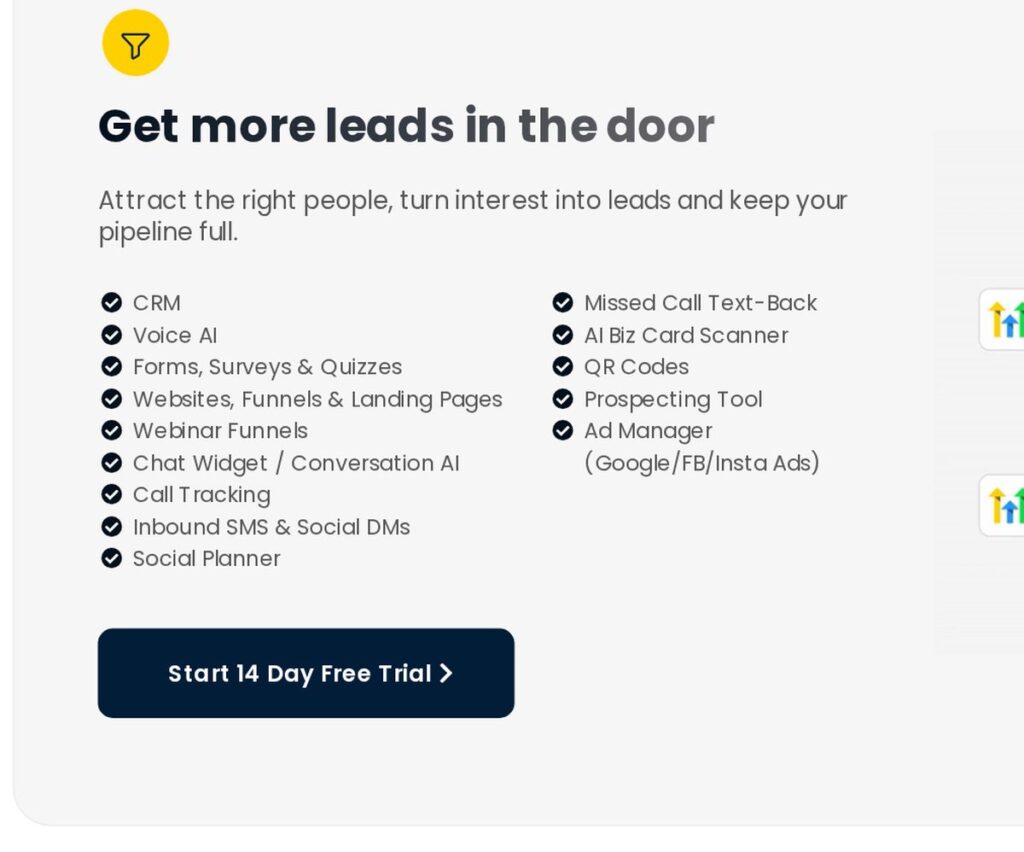
A CRM with automation is the backbone of good speed to lead. HighLevel (often searched as GoHighLevel) lists forms, inbound SMS and social DMs, call tracking, missed-call text-back, and Voice AI among its features on its homepage, plus workflows that can send instant replies, notify your team, and keep following up. Its help center describes workflows as sequences of actions triggered by events such as a form submission or a booked appointment.
As of November 2026, HighLevel’s pricing page lists a free 14-day trial and three plans: Starter at $97/month, Unlimited at $297/month, and Founder at $497/month. Usage-based charges (for example texts, calls, email, and some AI features) are billed on top, and prices change, so check the official pricing page before you sign up.
Affiliate link — we may earn a commission.
For a full breakdown, read our HighLevel review.
Related guides
- How to Follow Up With Leads (Timing, Channels and Templates)
- Marketing Automation for Small Business: Where to Start
- AI Chatbot for Your Website: A Small Business Guide
Speed to lead FAQ
What does speed to lead mean?
It is the time it takes your business to make the first meaningful contact with a new lead after they reach out. Shorter is better because interest is highest right after someone contacts you.
How do you calculate speed to lead?
Subtract the time the lead came in from the time of your first real response, then average it across all leads for a period. Break it down by lead source, time of day, and team member.
What is the 5 minute rule for leads?
It is a common sales target to contact new inbound leads within five minutes of their inquiry. Treat it as a goal to aim for and measure against, not a promise of results.
How much does speed to lead software cost?
It depends on the tool. Many CRMs include instant replies and notifications in their plans, and some charge extra for texting and calls by usage. Check current pricing on each vendor’s official site.
Want faster follow-up without hiring?
We set up lead routing, instant replies, and follow-up automation so every lead gets a fast response. Get a free marketing audit or explore our AI automation solutions.

