

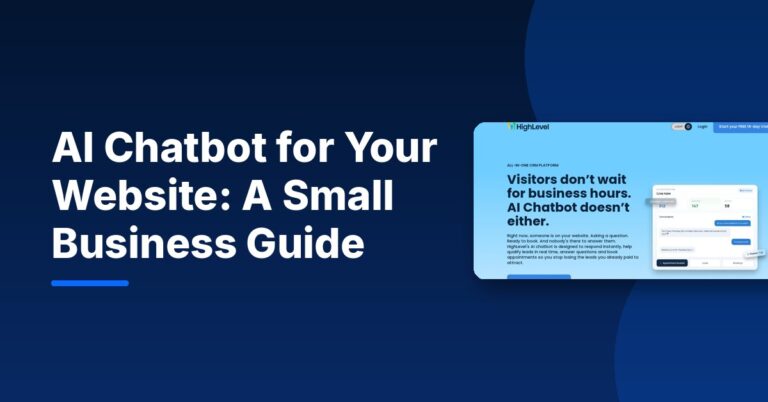
An AI chatbot for website visitors answers questions, captures contact details and books appointments at any hour, so leads do not leave just because nobody was there to reply. For a small business, the best setup is a chatbot trained on your own services and FAQs, connected to your CRM and calendar, with a clear handoff to a real person.
This guide explains how website AI chatbots work, what they can and cannot do, free and paid options, and how to set one up without frustrating your customers.
What is an AI chatbot for a website?
A website chatbot is the chat window in the corner of a site. Older chatbots followed fixed decision trees (“Press 1 for pricing”). An AI chatbot uses a language model to understand free-text questions and reply in natural language, drawing on information you give it, such as your services, prices, hours and policies.
The most useful AI chatbots do more than answer. They ask a few qualifying questions, save the contact to your CRM, and offer a time to book — which is where most of the value for a small business comes from.
What an AI chatbot can do for a small business
- Answer common questions instantly — hours, service areas, pricing ranges, what to expect.
- Capture leads after hours by collecting name, email or phone and the reason for the inquiry.
- Qualify leads with two or three questions so your team knows who to call first.
- Book appointments when the chatbot is connected to your calendar.
- Support customer service by handling routine questions and passing complex ones to a person.
- Trigger follow-up such as a confirmation text or an email sequence after the chat ends.
What AI chatbots should not do
AI chatbots can be wrong. They should not give legal, medical or financial advice, promise outcomes, quote prices that are not in your approved information, or pretend to be a human. Keep these guardrails in place:
- Tell visitors they are chatting with an AI assistant.
- Limit the bot to information you have approved.
- Give an easy way to reach a person (call, text or “talk to the team”).
- Review conversations regularly and correct wrong answers.
AI chatbot for website customer service vs lead generation
| Goal | What the chatbot does | What to connect |
|---|---|---|
| Customer service | Answers FAQs, order or booking questions, policies | Help docs, FAQ page, support inbox |
| Lead generation | Asks qualifying questions, collects contact info | CRM, lead pipeline, notifications |
| Appointment booking | Checks availability and books a time | Calendar and reminders |
| Follow-up | Starts an email or SMS sequence after the chat | Email/SMS automation |
Most small businesses want a mix: answer the question, then turn the visitor into a booked lead.
How HighLevel’s AI chatbot works
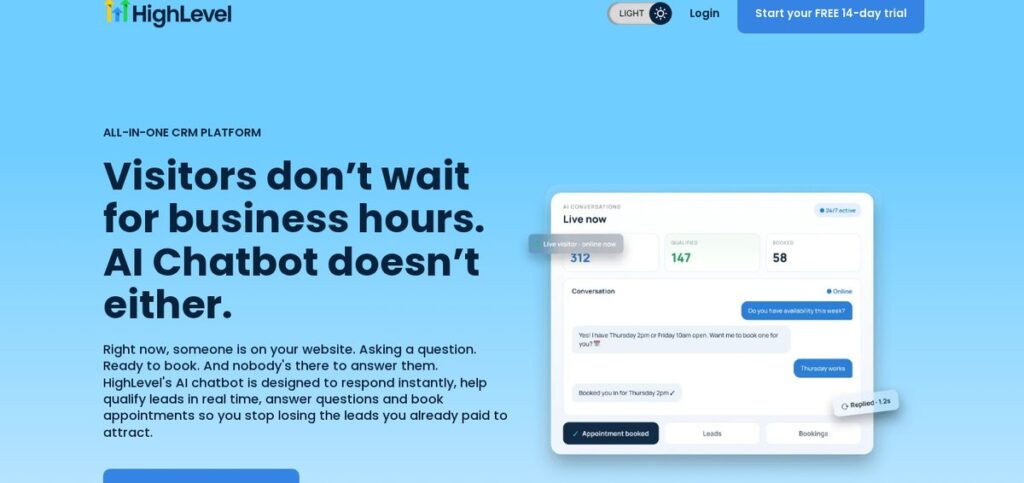
HighLevel (often searched as GoHighLevel) is an all-in-one CRM platform with a built-in AI chatbot. According to HighLevel’s AI chatbot page, you can choose an AI model, upload FAQs, website content and support docs so the chatbot can give on-brand answers, and launch it across live chat, SMS, Facebook Messenger, Instagram DMs and WhatsApp from one dashboard. Conversations update the CRM, and workflows can trigger follow-up emails, texts and tasks when a chat ends.
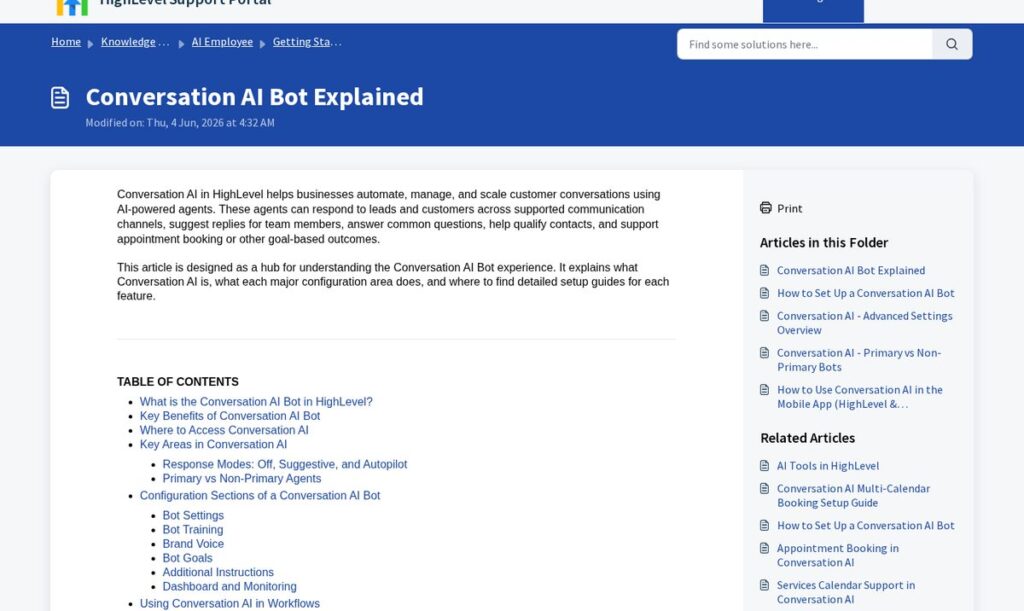
HighLevel’s Conversation AI help article describes three response modes: Off (the AI does not respond), Suggestive (the AI drafts replies for a team member to review) and Autopilot (the AI replies to contacts automatically). Starting in Suggestive mode is a sensible way to check answers before letting the bot reply on its own.
On pricing, the HighLevel pricing page lists a 14-day free trial and plans at $97/Month (Starter), $297/Month (Unlimited) and $497/Month (Founder) as of November 2026. Conversation AI is marked as having usage-based charges, so budget for AI usage on top of the plan. Prices change; check the official page.
Affiliate link — we may earn a commission.
AI chatbot for website free options
If you want to test a chatbot without paying, several platforms offer free tiers. For example, HubSpot’s chatbot builder page says you can start using its chatbot builder for free, with premium features available on paid plans. Free tiers are a good way to learn what visitors ask, but check the limits on AI replies, branding and integrations before you rely on one.
When you compare tools, look at: how the bot is trained on your content, whether it connects to your CRM and calendar, how handoff to a human works, what the AI usage costs, and how easy it is to review conversations.
How to set up an AI chat for your website
- Pick one goal — usually booking calls or capturing leads.
- Collect your source material: services, service area, hours, FAQs, policies and approved price ranges.
- Write the greeting and three to five qualifying questions.
- Connect the CRM and calendar so every chat becomes a contact and, ideally, a booking.
- Set up handoff rules for when the bot should alert a person.
- Test it yourself with 20 real customer questions, including tricky ones.
- Launch, then review chats weekly and update the training content.
If you want to go further, HighLevel also supports voice AI. Our tutorial on creating a voice AI agent in HighLevel shows how, and our HighLevel review covers the wider platform.
How to measure if your chatbot is working
Check these numbers every month so you know whether the chatbot is helping or just sitting on the page:
- Conversations started compared with website visitors.
- Leads captured — chats that ended with a name and email or phone number.
- Appointments booked directly from chat.
- Handoffs to a person and how quickly your team picked them up.
- Wrong or unhelpful answers found during your weekly review.
If many people start chats but few leave contact details, shorten your questions or offer something useful in exchange, such as a quote or a free consultation. If the bot gets many questions it cannot answer, add that information to its training content.
Affiliate link — we may earn a commission.
Related guides
- What Is HighLevel? What It Does and Who It Fits (2026)
- Speed to Lead: Why Fast Follow-Up Wins More Customers
- Facebook Lead Ads for Small Business: Setup and Follow-Up Guide
AI chatbot for website FAQ
Is there a free AI chatbot for websites?
Yes. Several platforms, including HubSpot, offer free chatbot tools with paid upgrades. Free plans usually limit AI features, branding or integrations, so test one with real visitor questions before deciding.
How do I add an AI chatbot to my website?
Most chatbot tools give you a short code snippet or a plugin. You paste it into your site (or ask your web developer to), then train the bot on your content and connect it to your CRM and calendar.
Can I integrate AI into my website?
Yes. Beyond chat, AI can power lead qualification, appointment booking, search and personalized follow-up. Start with one clear use, such as answering FAQs and capturing leads after hours.
What are the best AI chatbots for small businesses?
The best choice is one that connects to the tools you already use. If you want chat, CRM, calendar and follow-up in one place, an all-in-one platform such as HighLevel is worth testing. If you already use a CRM, check whether it offers a native chatbot first.
Turn website visitors into booked calls
A chatbot works best as part of a full lead system: a fast website, clear offers and quick follow-up. If you want help setting that up, get a free marketing audit or explore our AI automation solutions and website design services.

